
What donors see
A donor report is a full-page, mobile-friendly impact experience:- Hero: your project’s hero image with the AI-written opening narrative.
- Verified metrics: each metric with its formatted value and description.
- Photo gallery: consented field photos, with AI-written captions from the actual evidence.
- Community highlights and funnel: the stories and progression behind the numbers.
- Call to action: the next step you want the donor to take.
- Verified badge: if your organization has completed verification.
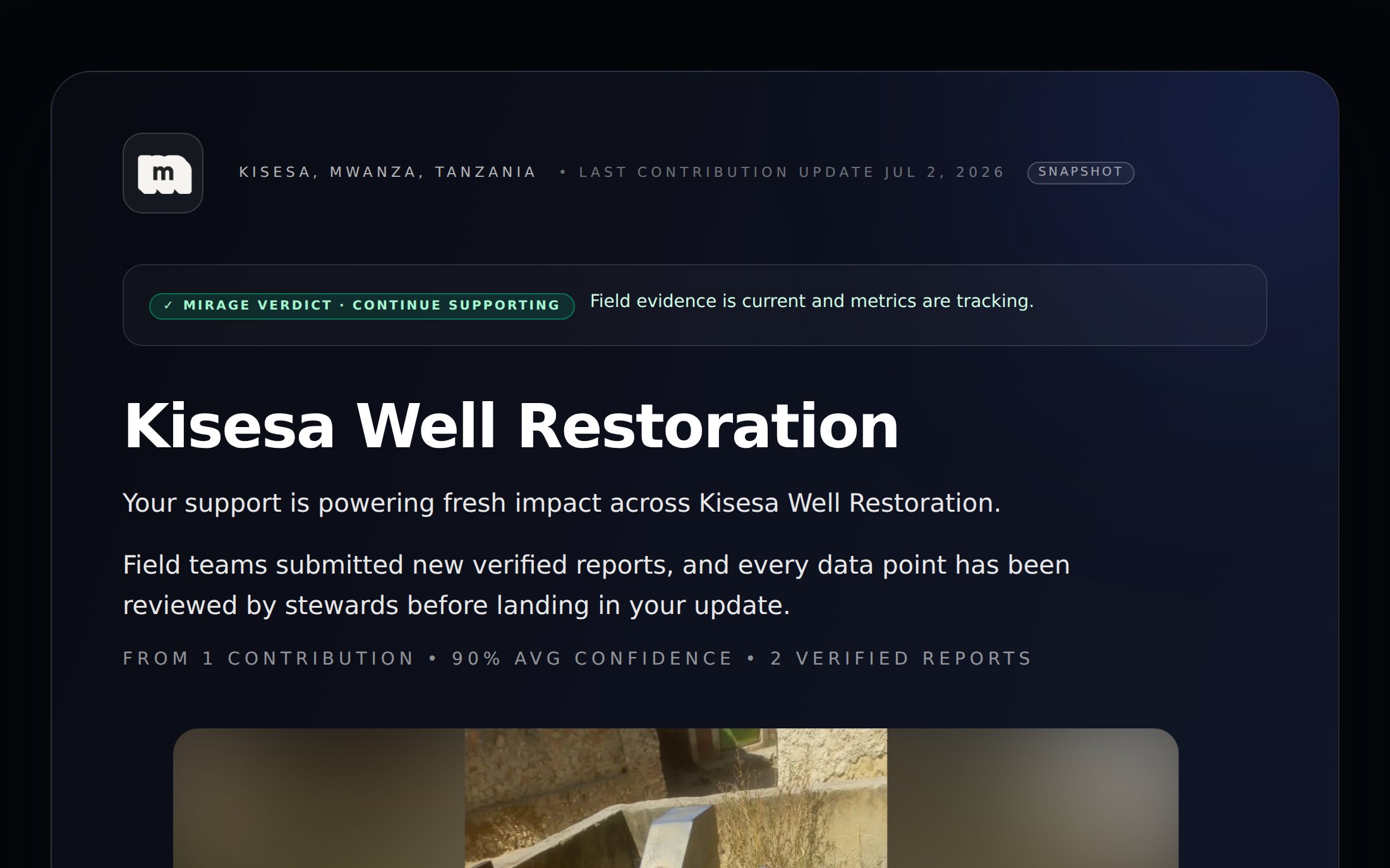
The top of a public donor report: location, verdict, metrics, and the AI-written narrative.
Privacy and consent
Donor reports enforce consent automatically:- Photos and video captured without face permission never appear on a public report.
- Media marked internal only never appears on a public report.
- Reporters who enabled anonymous mode aren’t identified.
- Only steward-approved data feeds the numbers. Pending and rejected contributions stay private.
Sharing well
Match the report to the audience
Match the report to the audience
Generate a donor-linked report for a major donor (the narrative leads with their priorities) and a general one for newsletters. Reports are cheap to generate, so make more than one.
Choose frozen for the record, live for relationships
Choose frozen for the record, live for relationships
A frozen snapshot is a stable artifact you can reference later; a live report is a standing window into the project. See live vs. frozen.
Anyone with the link can view
Anyone with the link can view
Treat the URL like a published page, not a private document. Don’t include anything in project summaries or metric descriptions you wouldn’t want public.